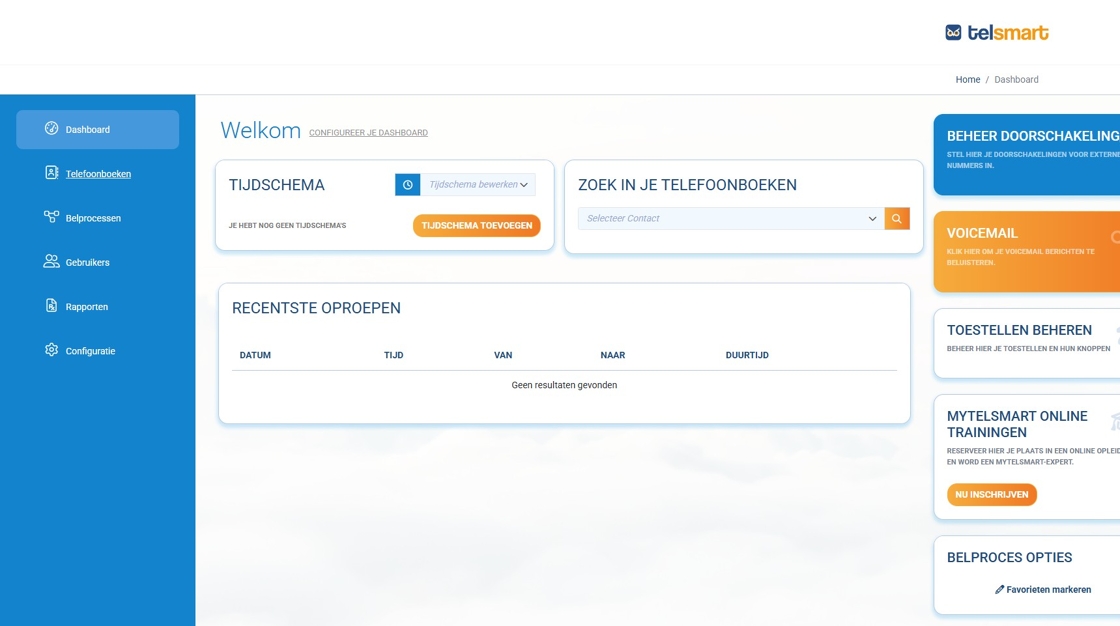
1. Navigate to https://portal.telsmart.eu/ and log in with your credentials.
These are the same email address and password you use to sign in to the Flexy Mobile and Flexy Desktop applications, if you have the necessary permissions.
The dashboard will open by default.
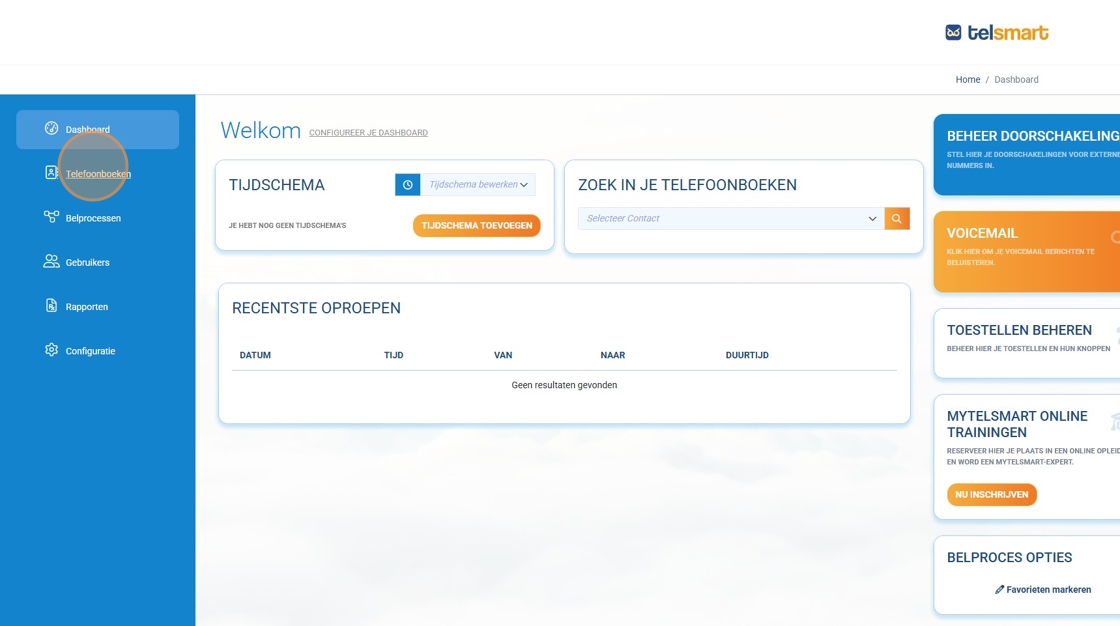
2. Click “Phonebooks.”
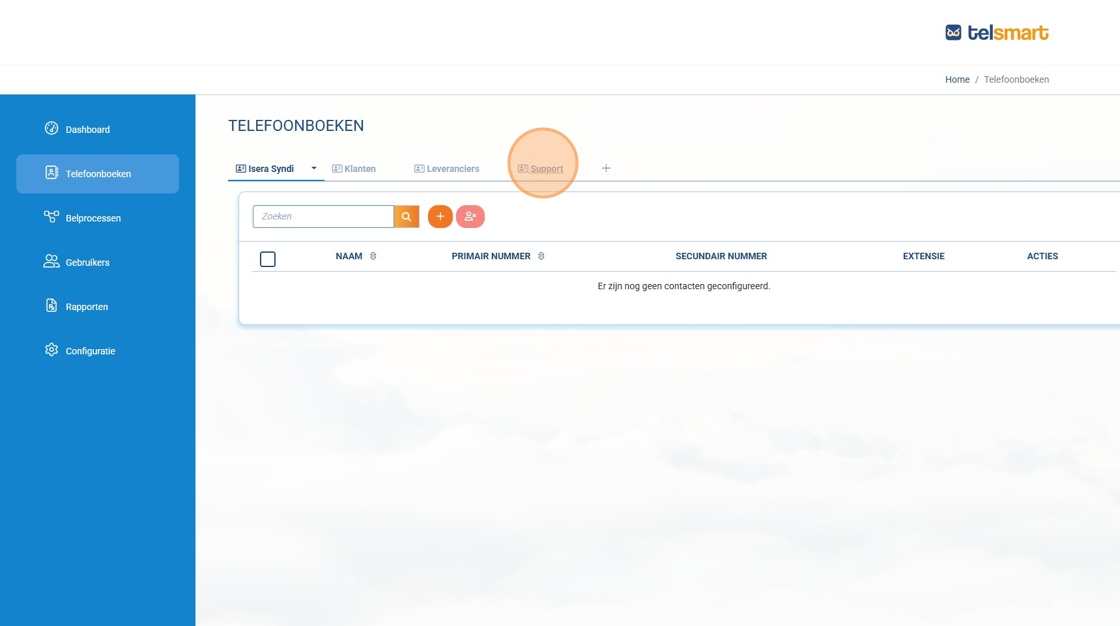
3. Click on the phonebook you want to edit.
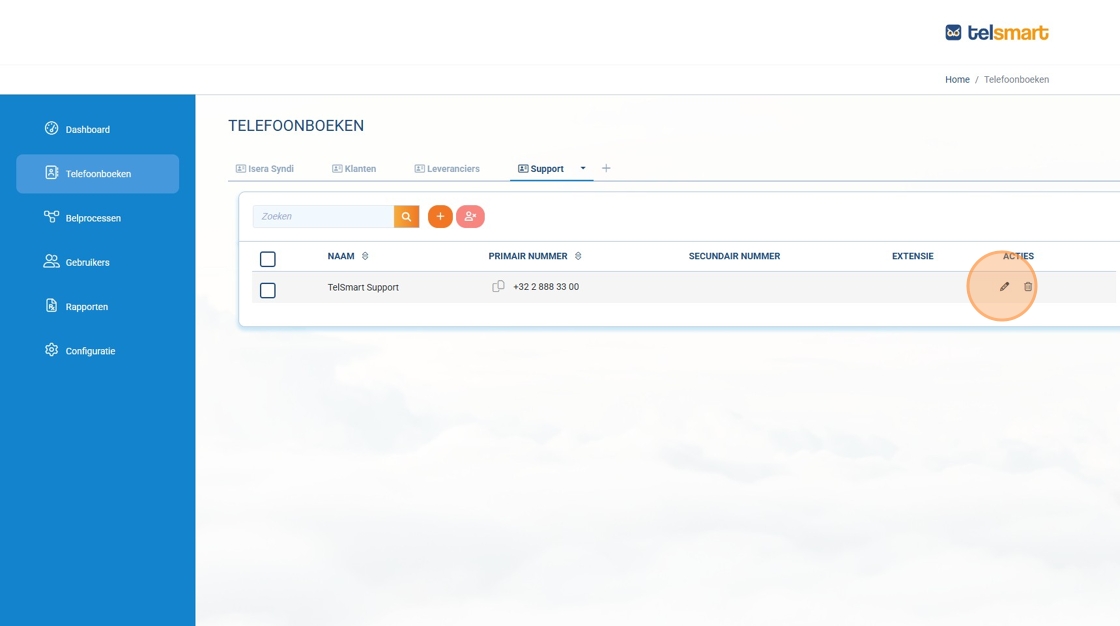
4. Click the pencil icon next to the contact you wish to modify.
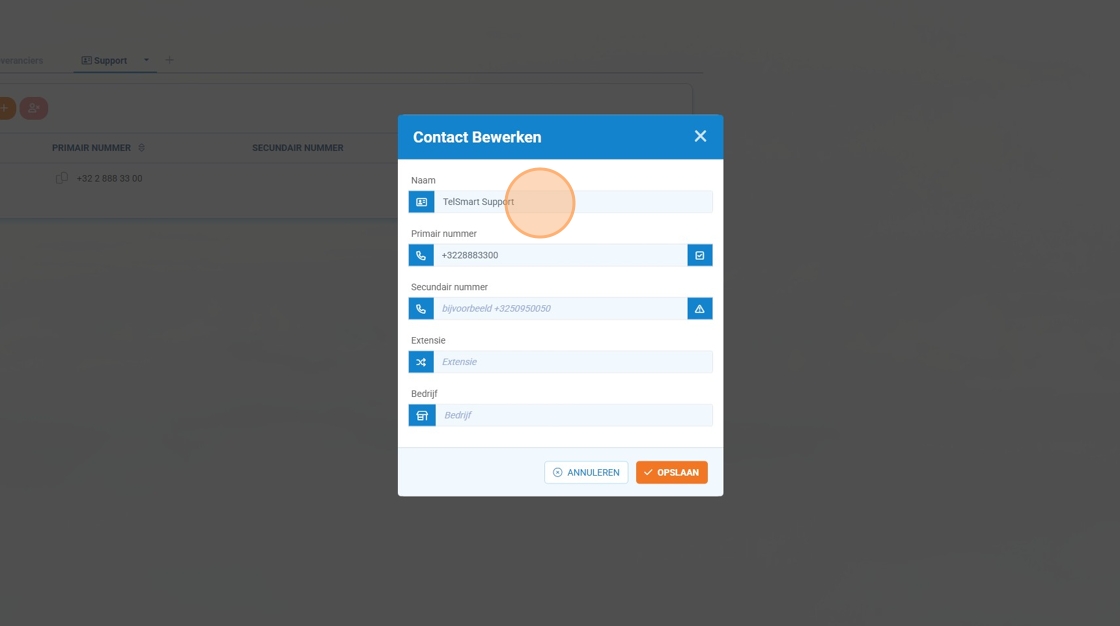
5. Adjust the fields as desired.
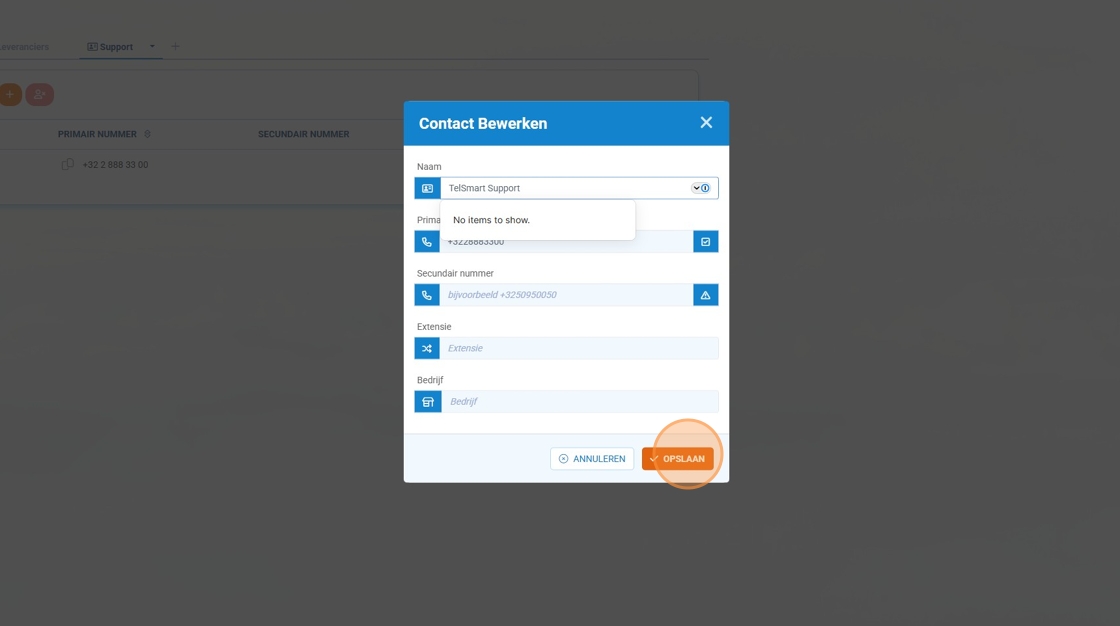
6. Click “Save” to store your changes.
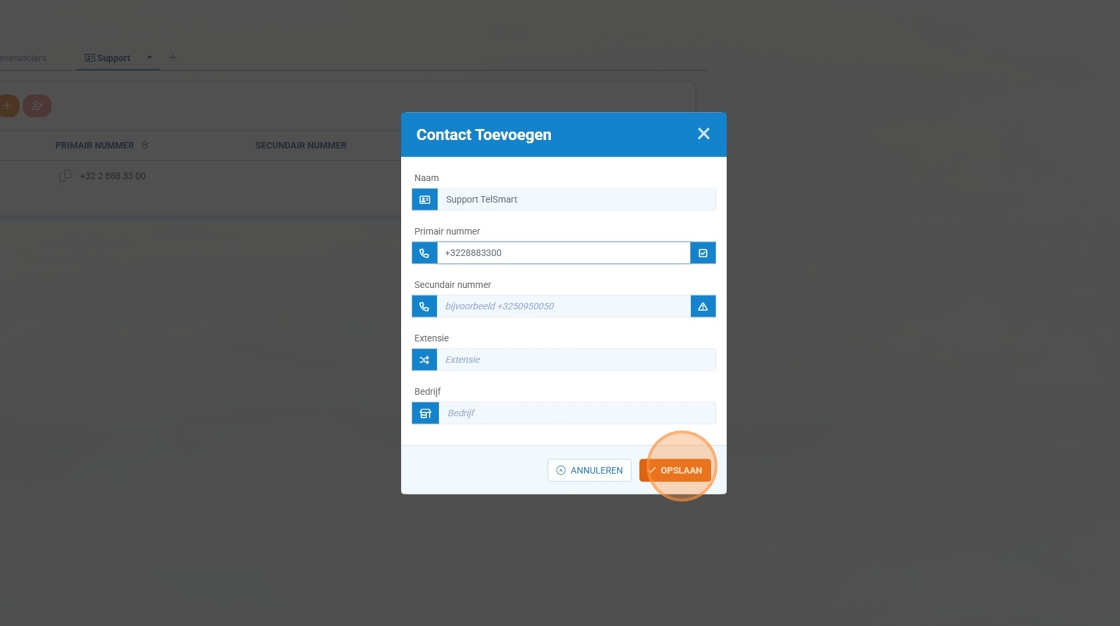
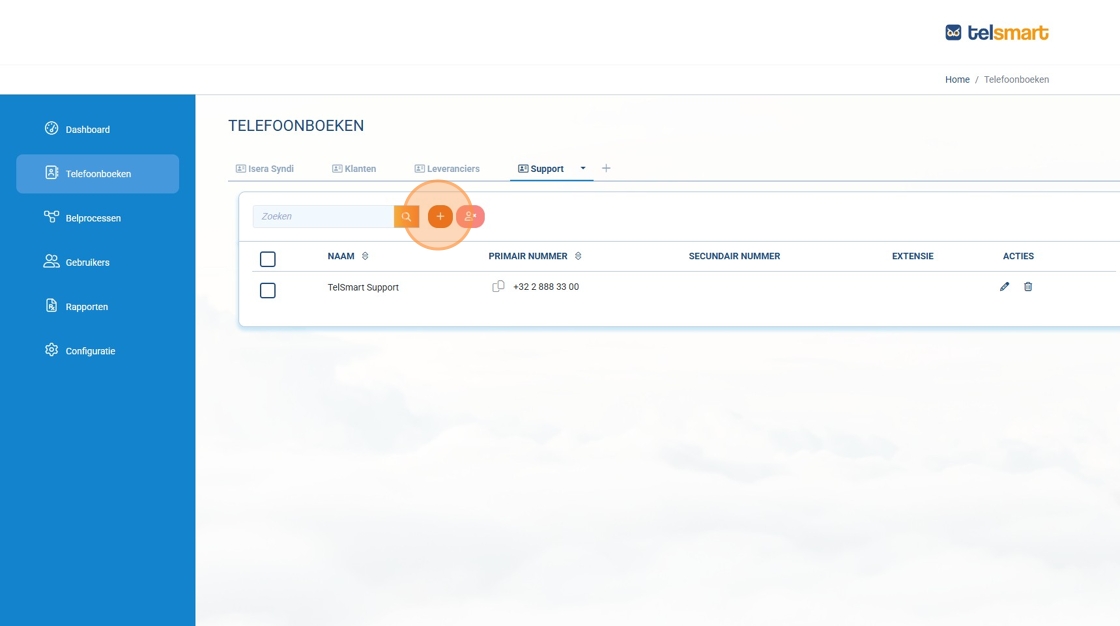
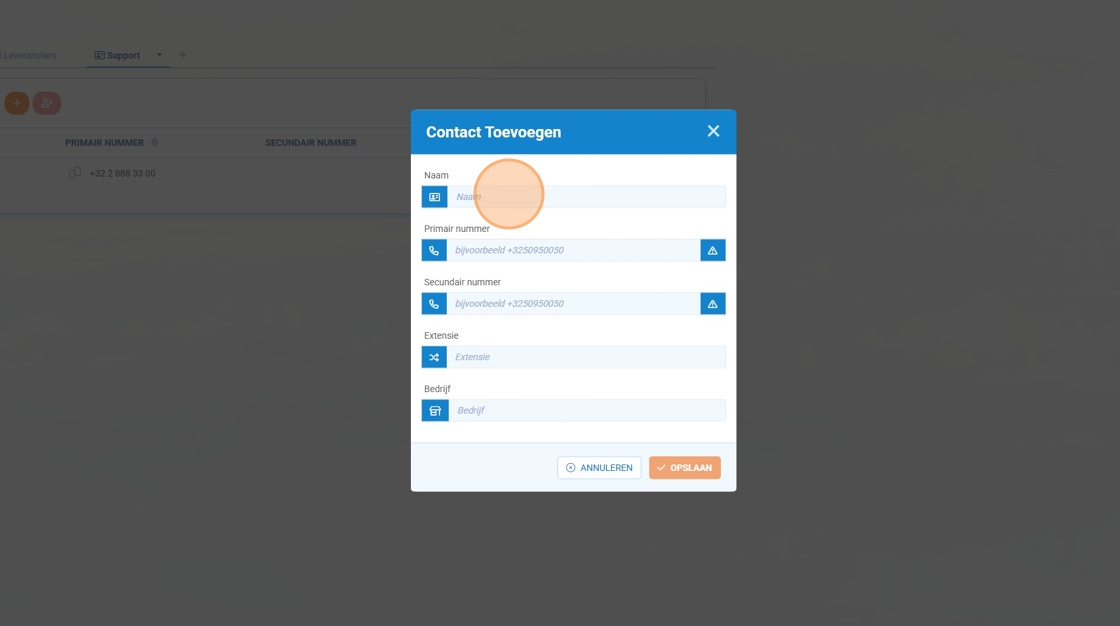
7. You can also add a new contact by clicking the orange plus icon.
8. Enter your contact’s name in the first field, “Name.”
9. Enter your contact’s phone number in the second field, “Primary number.”
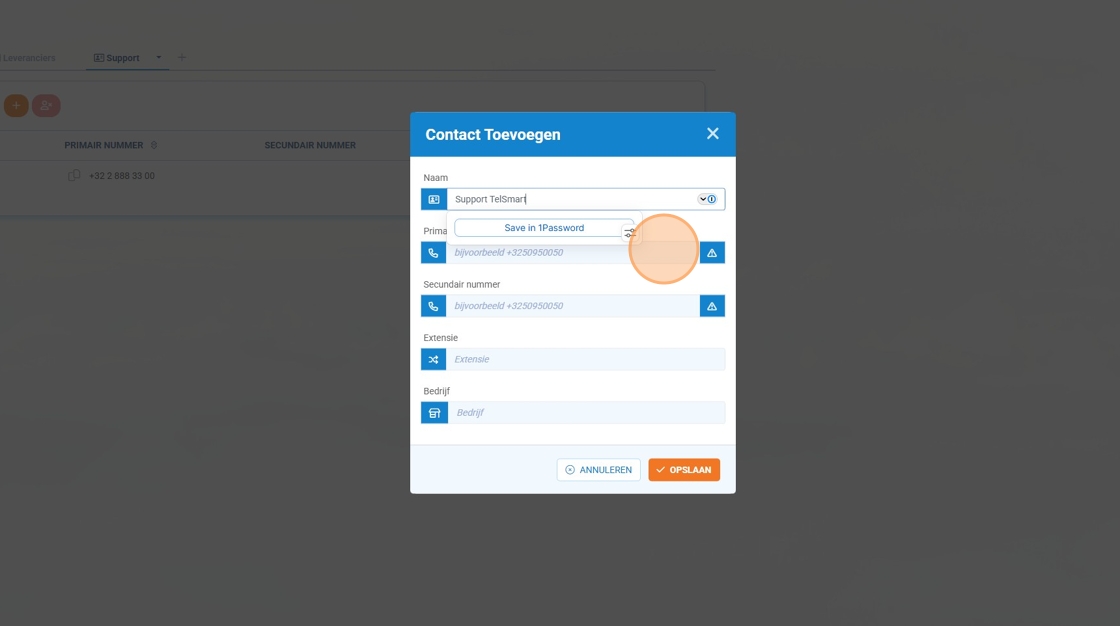
10. Click “Save” to store your changes.