
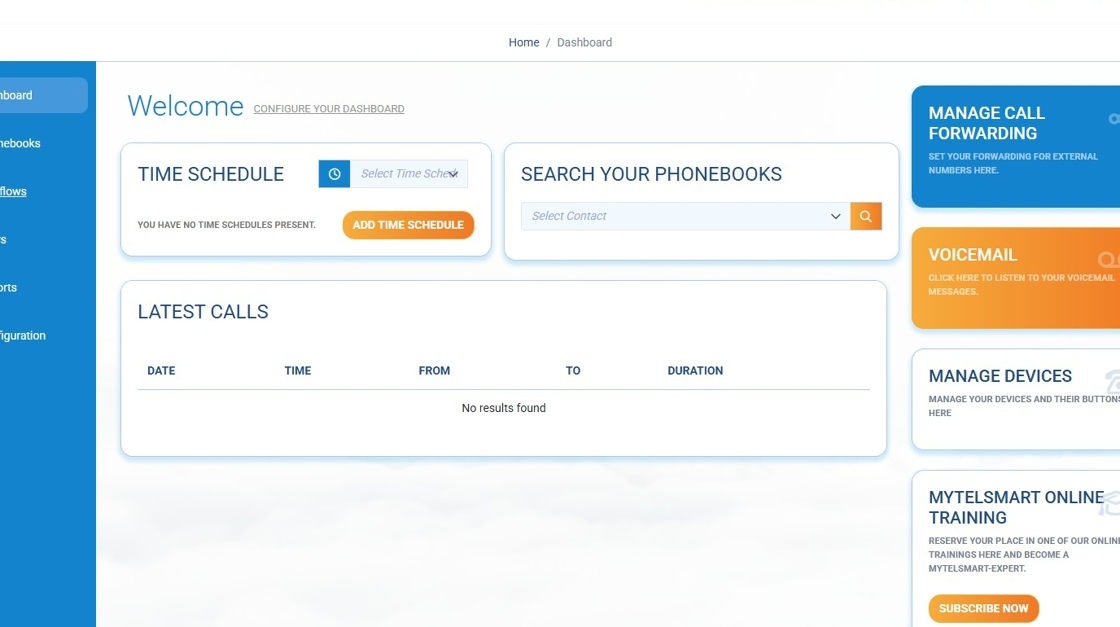
Step 1: Log in to the portal at https://portal.telsmart.eu and choose Call flows in the left-side menu
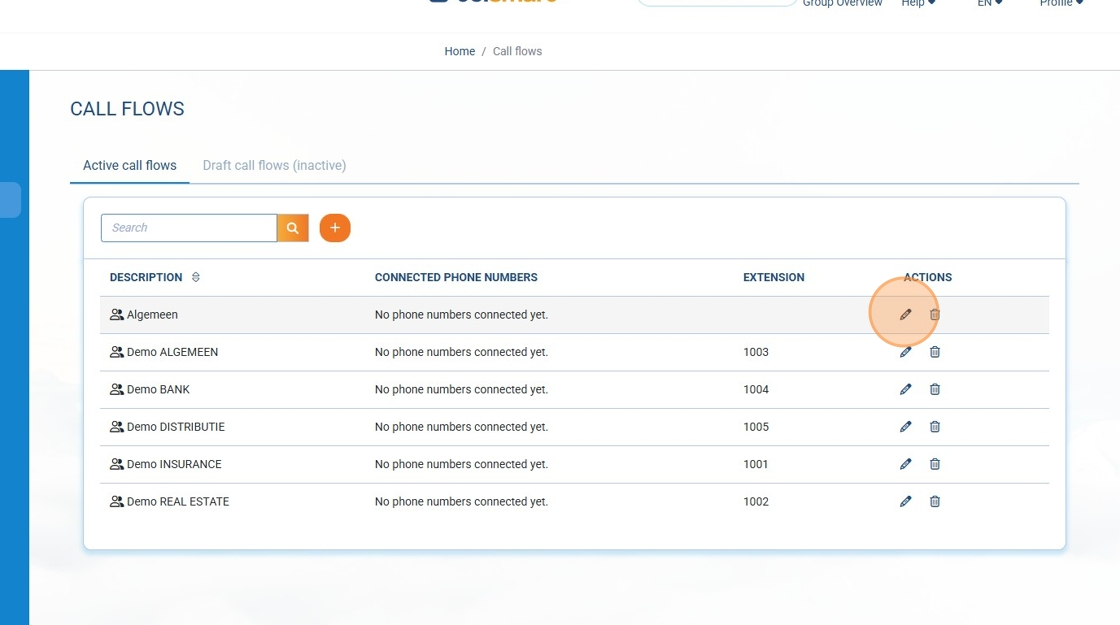
Step 2: We click on the little pencil to the right of the call flow where we want to add a calendar block.
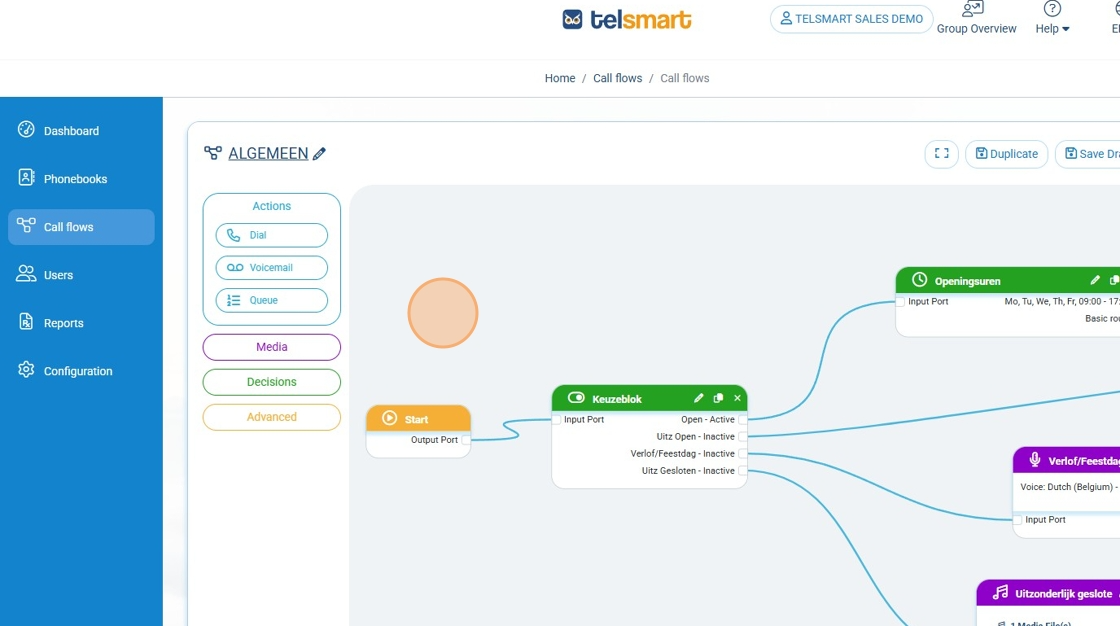
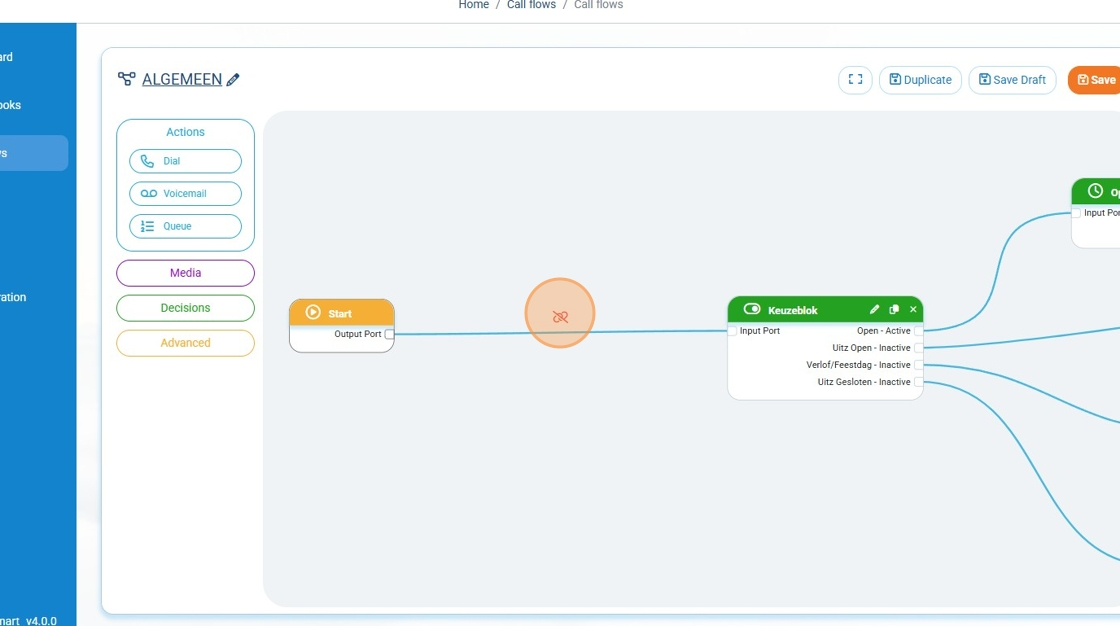
Step 3: In the call flow field, we make a little bit of space behind the start block and remove the line between the start block and the choice block.
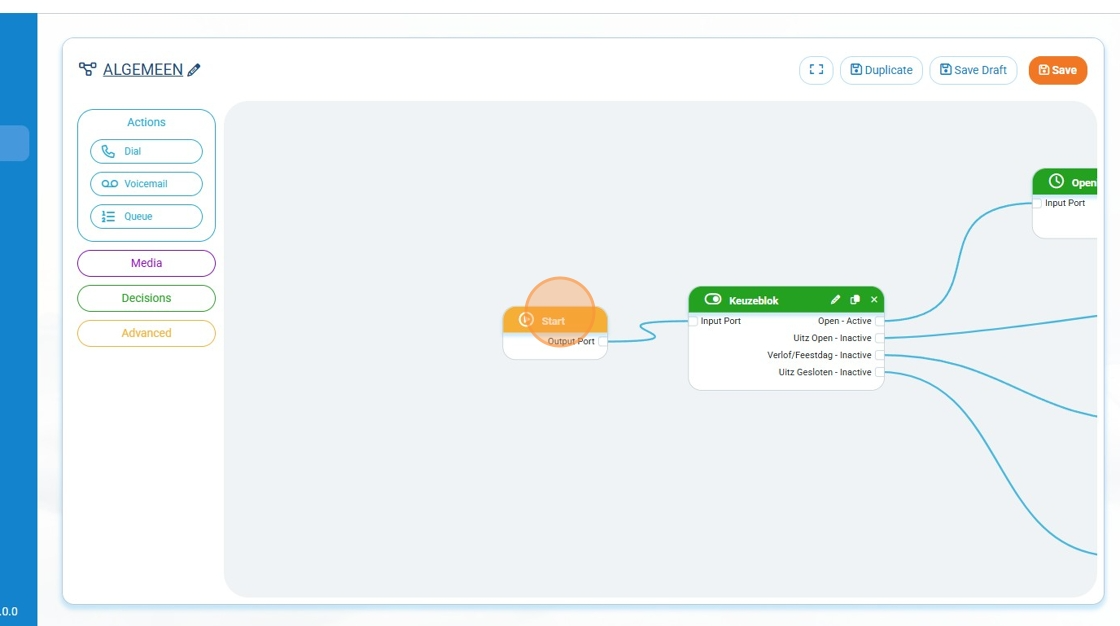
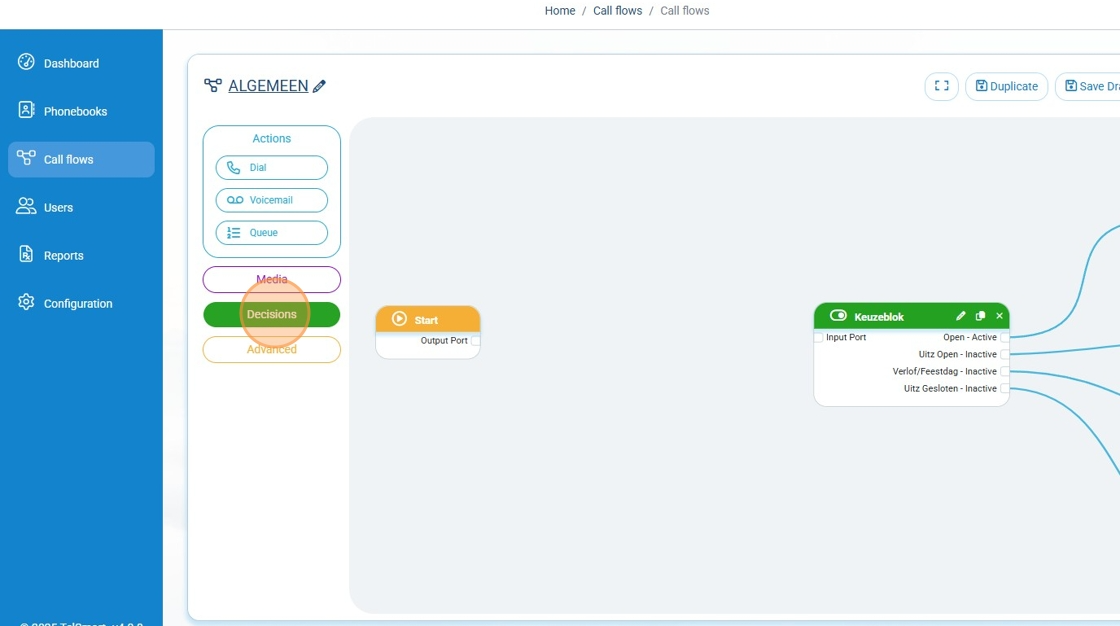
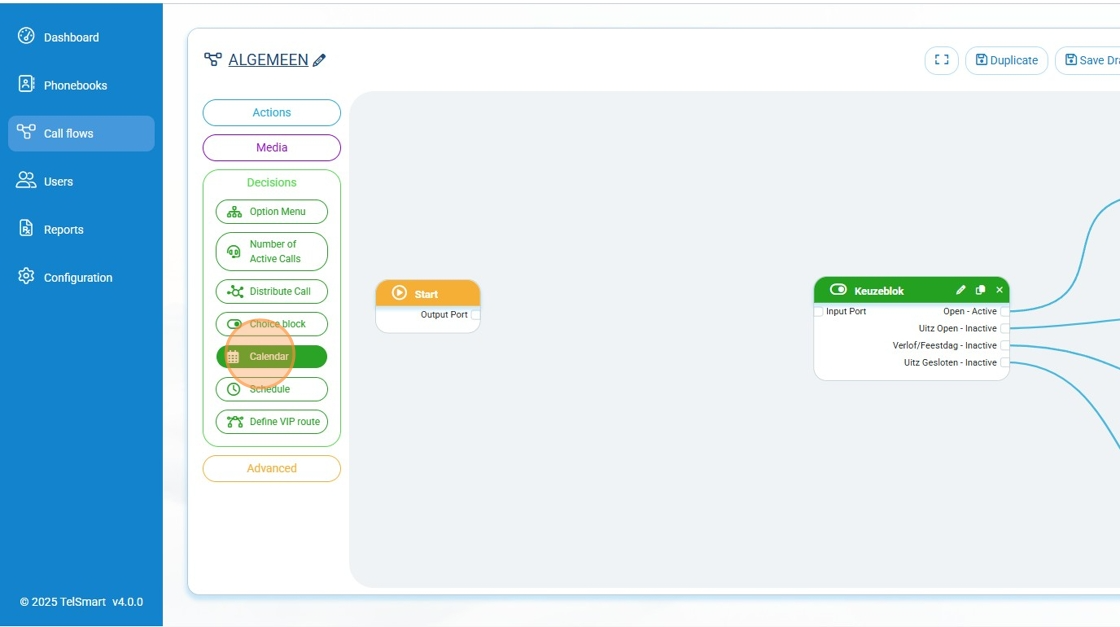
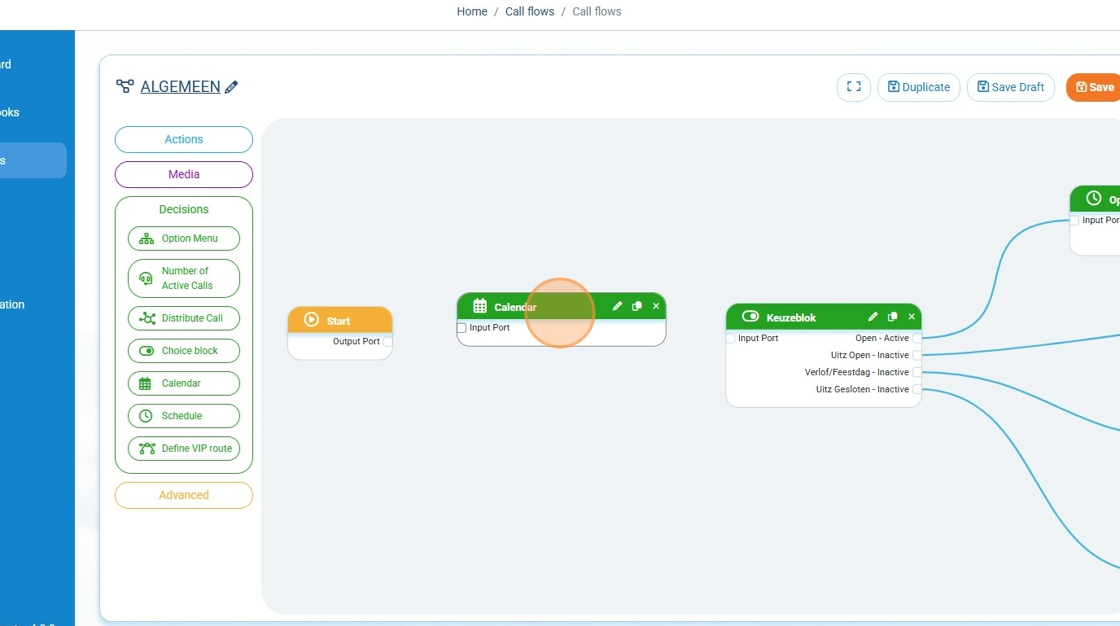
Step 4: We click Decisions in the left-side menu and drag the calendar block to the callflow field
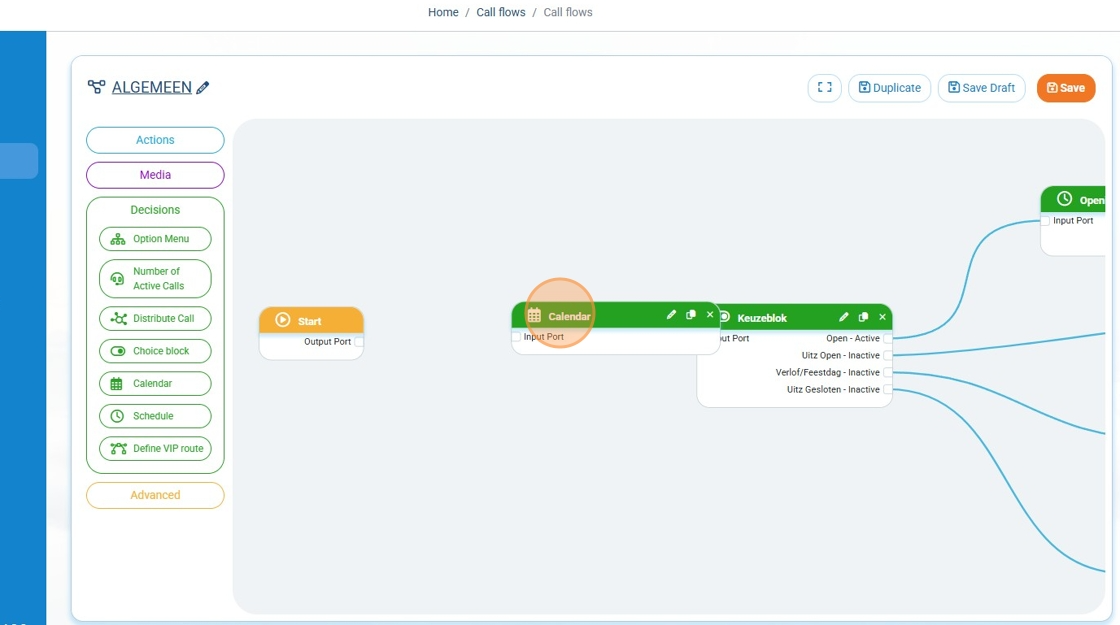
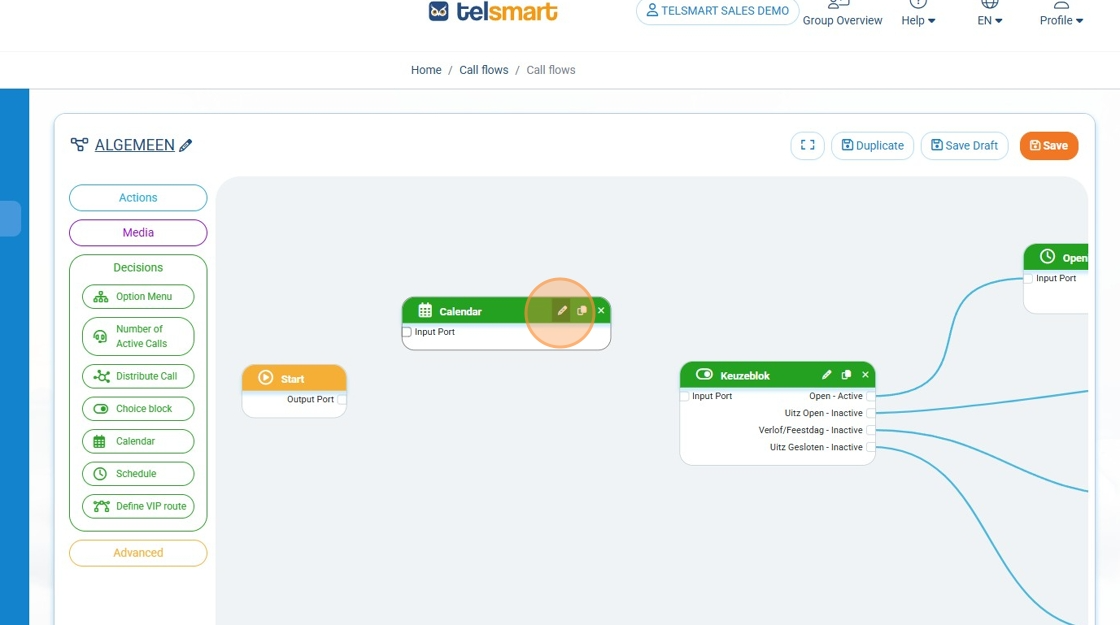
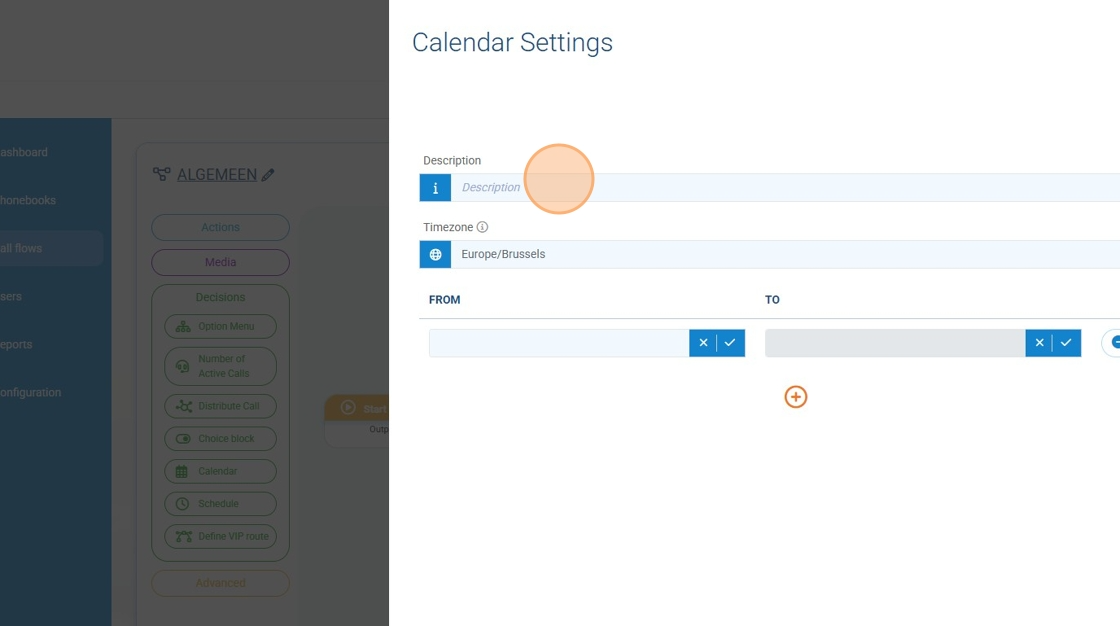
Step 5: To add holidays we click on the little pencil and add the dates (in this example we added the 11th of November) we also give the calendar block a Name
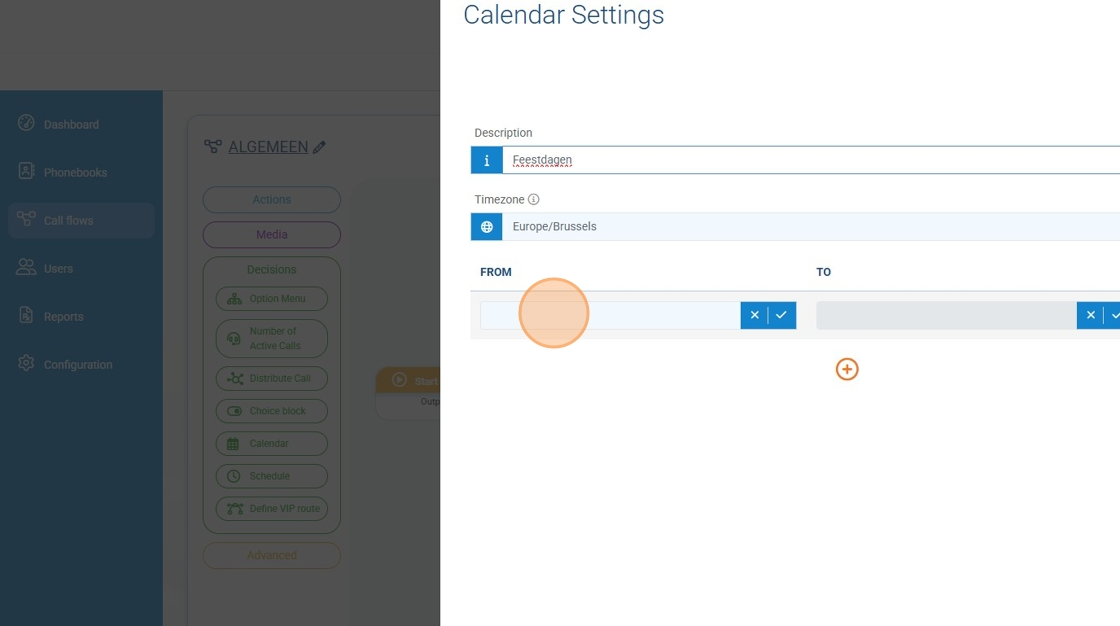
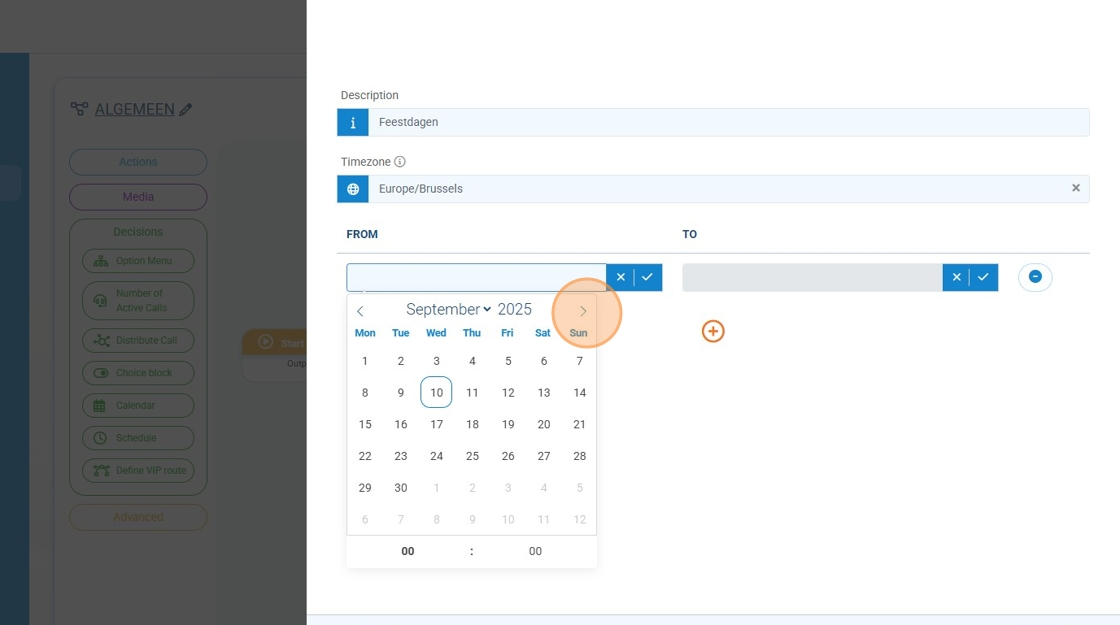
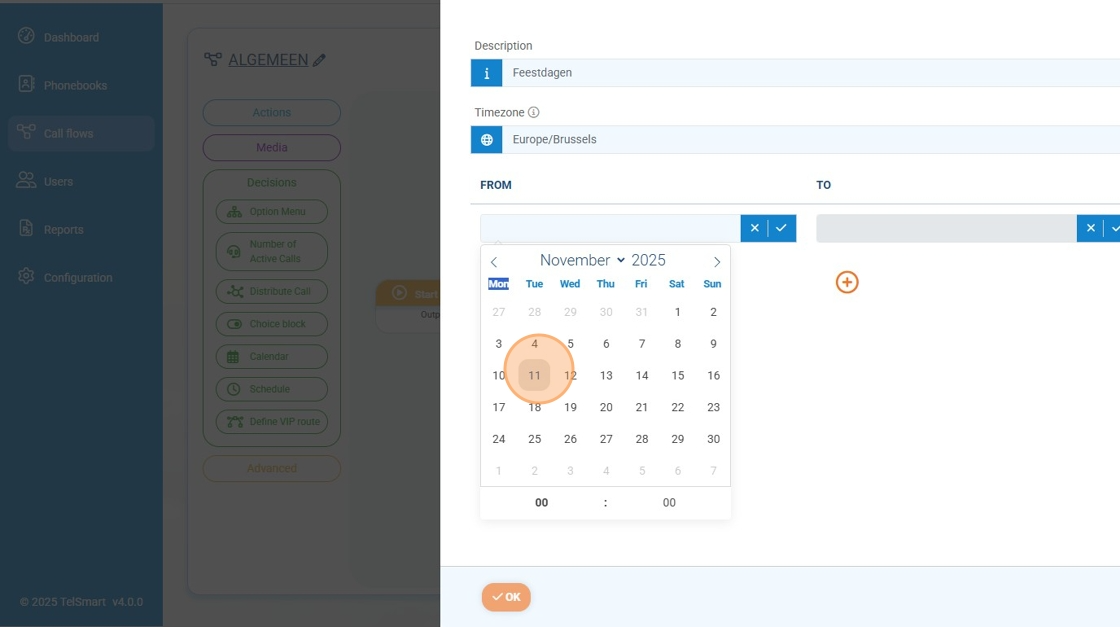
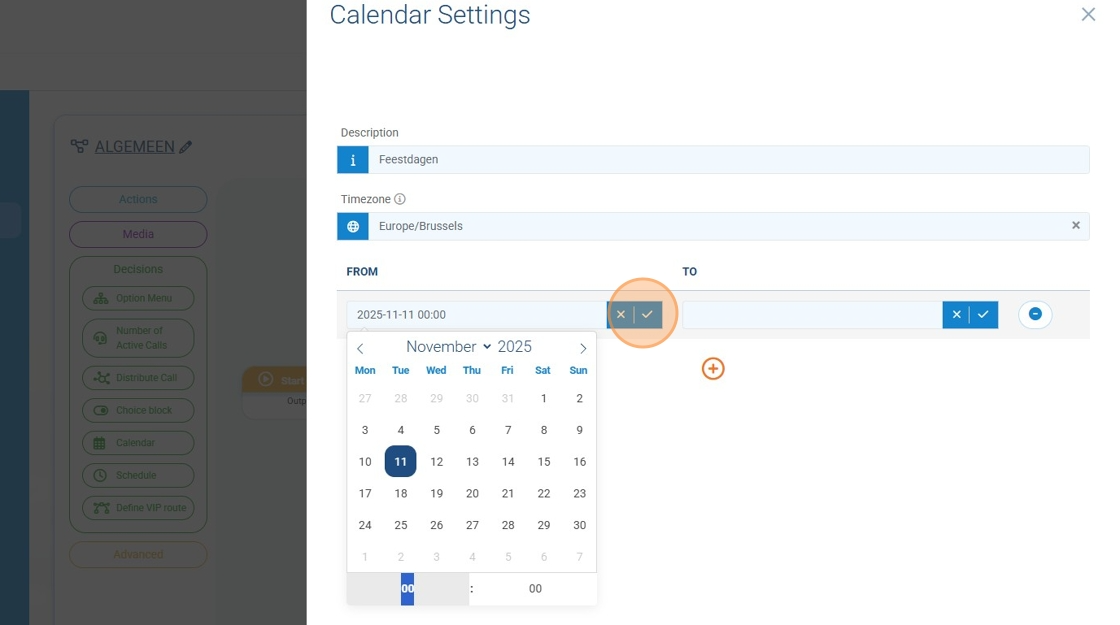
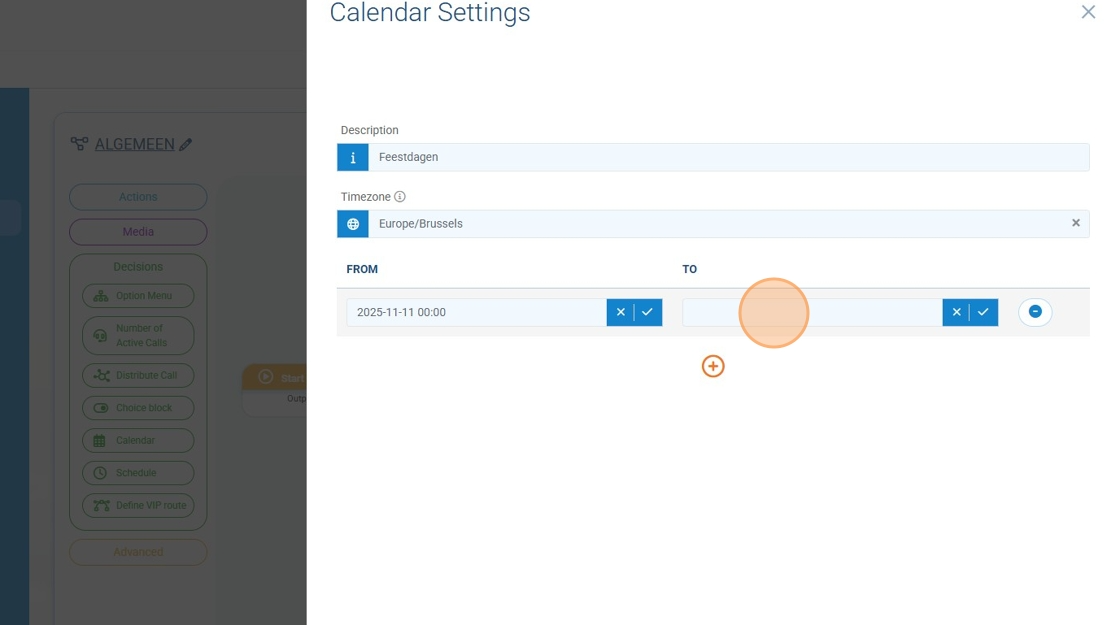
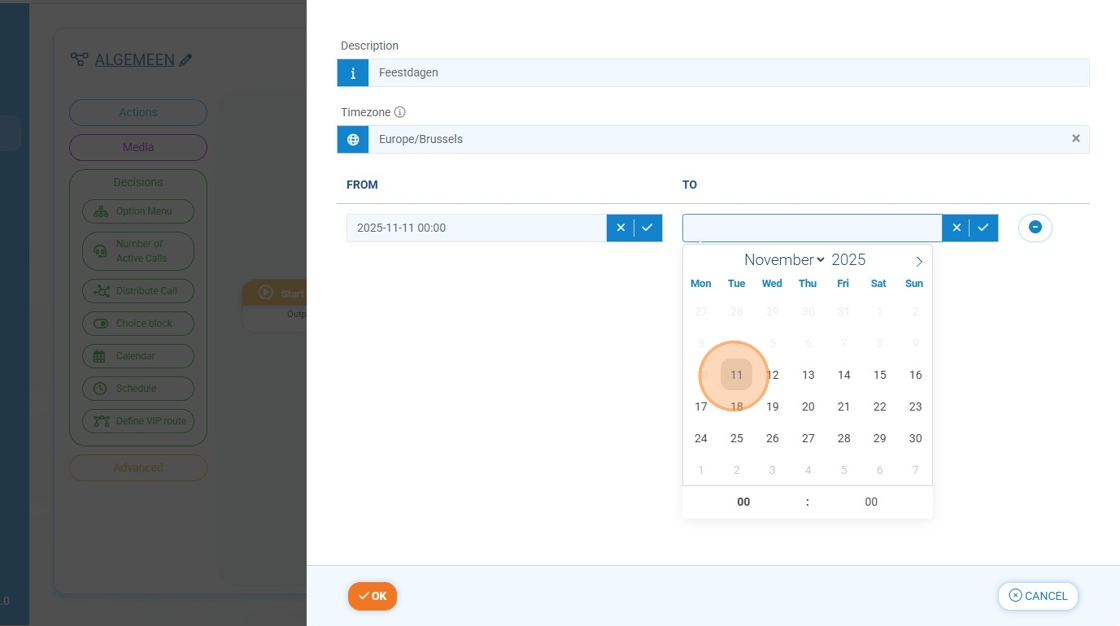
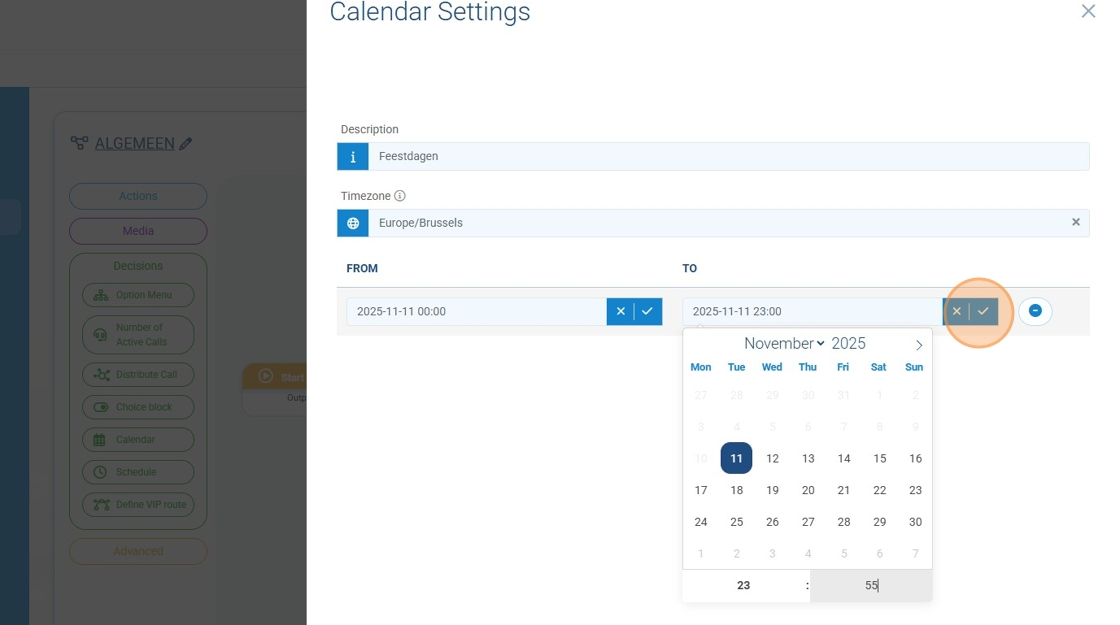
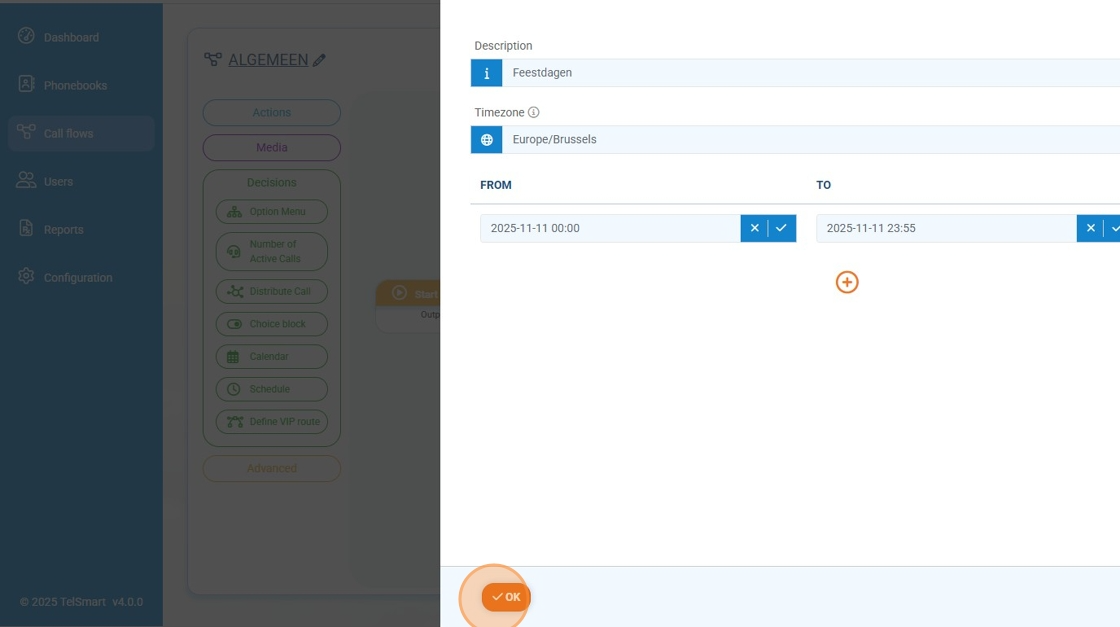
Step 6: After everything is added we click OK
Step 7: Now all we have to do is connect the output port of the start block to the input port of the holiday block.
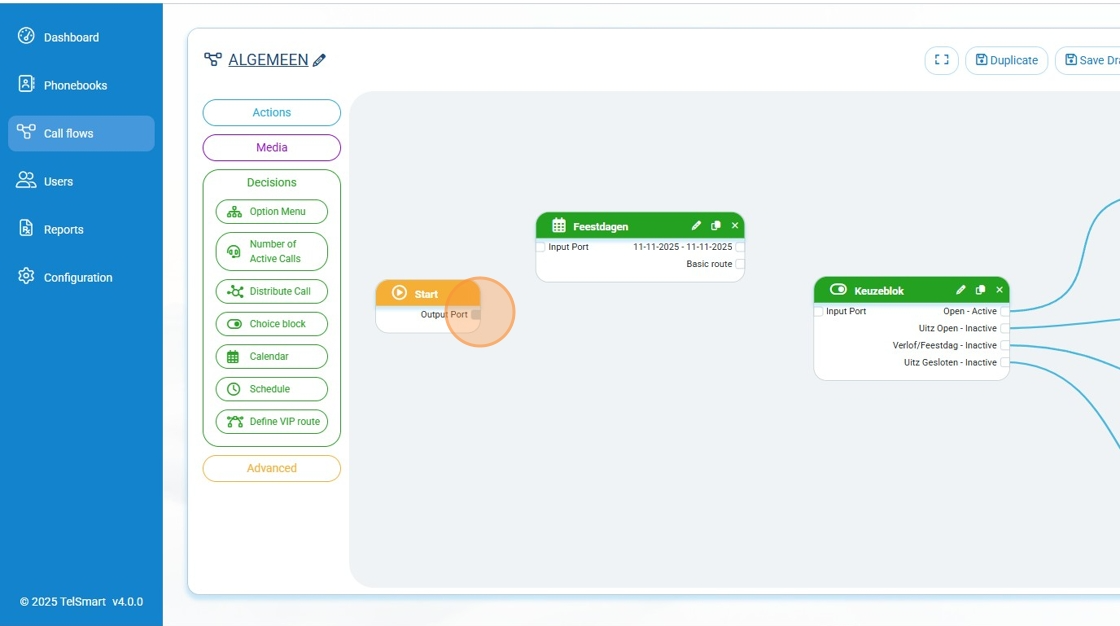
Step 8: The basic route of the calendar block needs to be connected to the input port of the choice block.
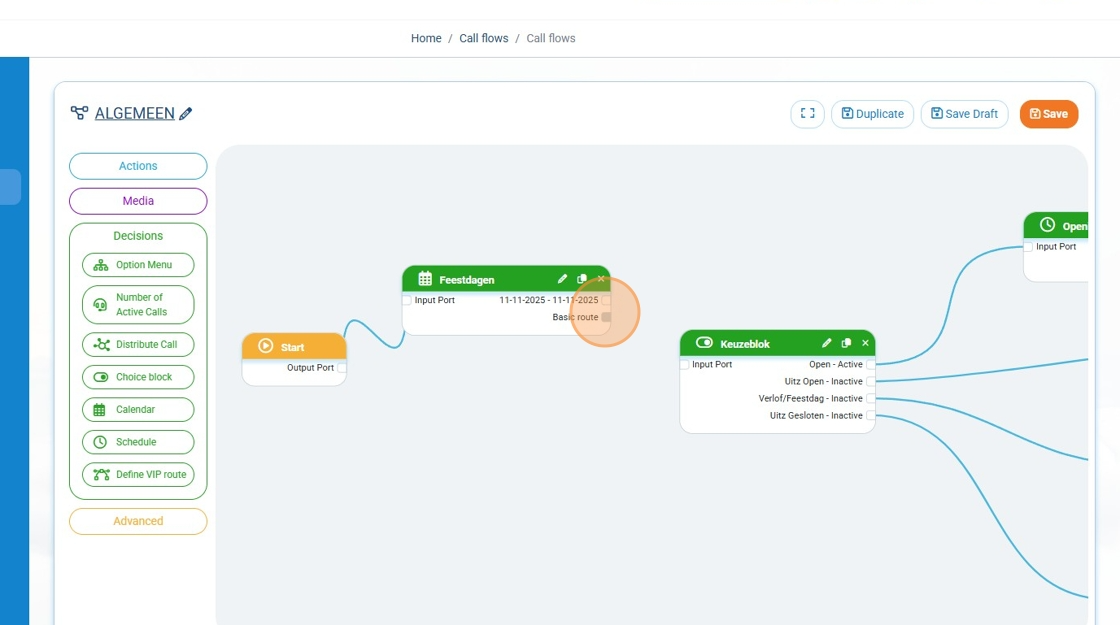
Step 9: For the holiday itsself we add an audio file to the callflow
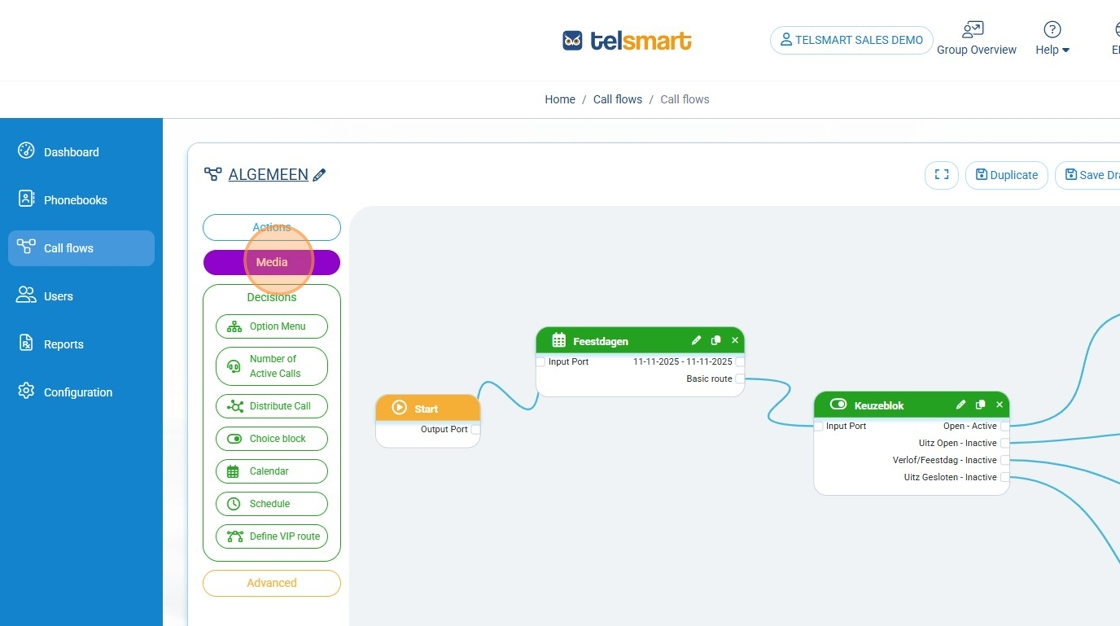
Step 10: 11th of November is connected to the audio message we just added
.
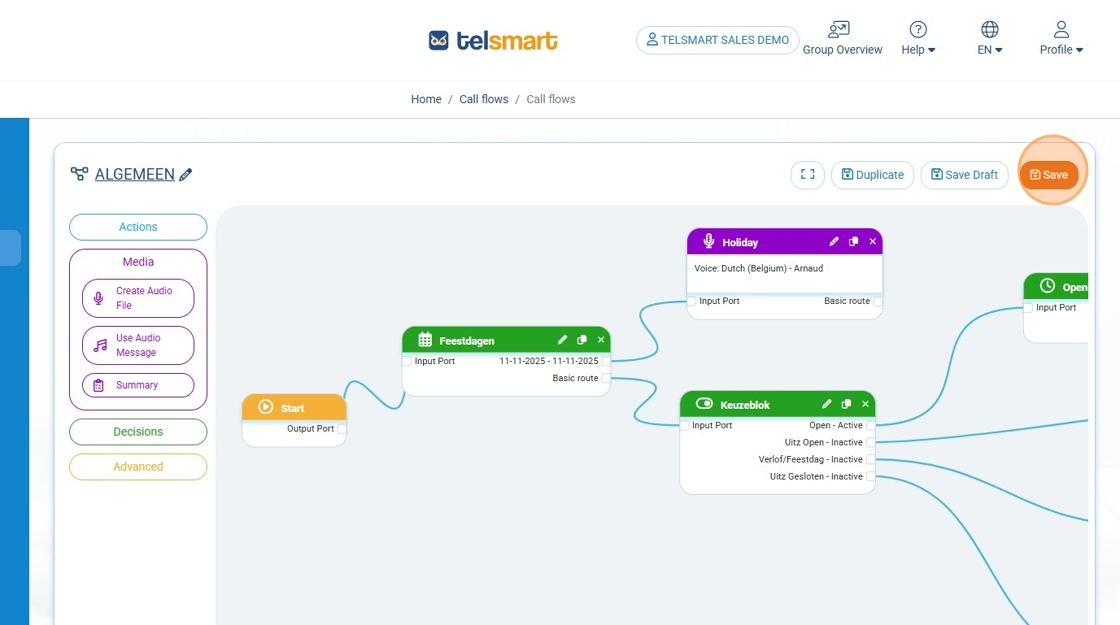
Step 11: Now we connect the 11th of November to the audio message we just added.
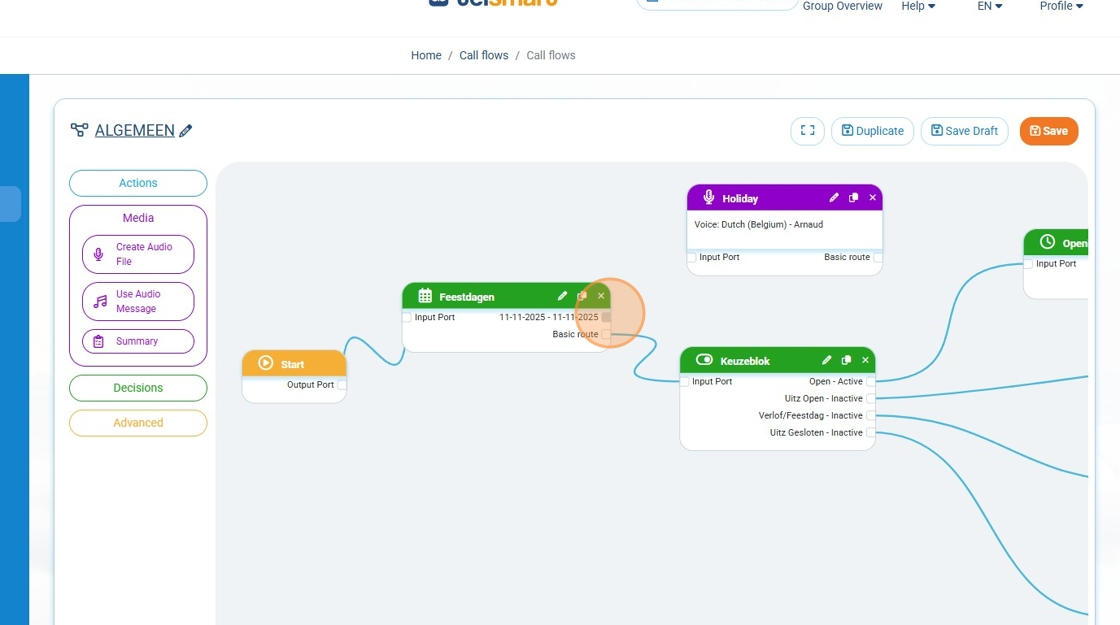
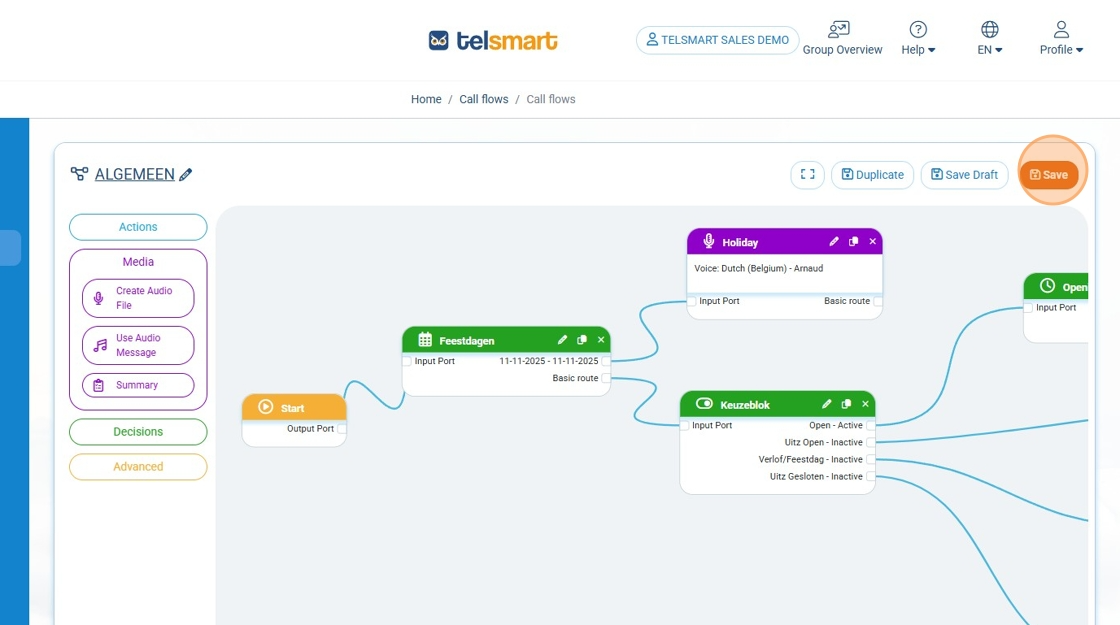
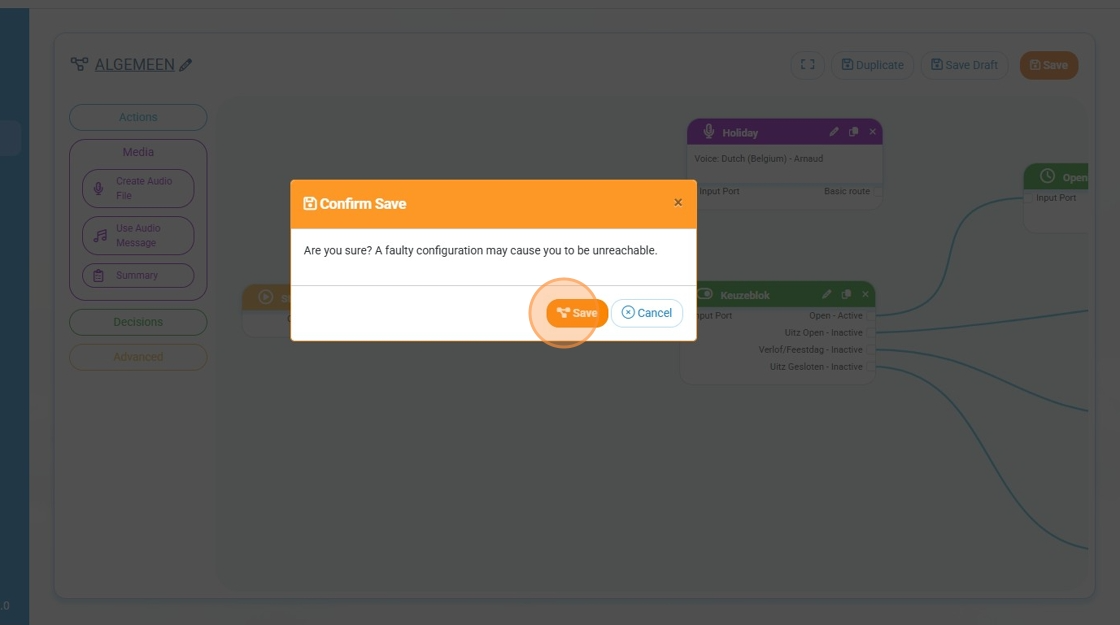
Step 12: We press save and then 'Close Diagram'.
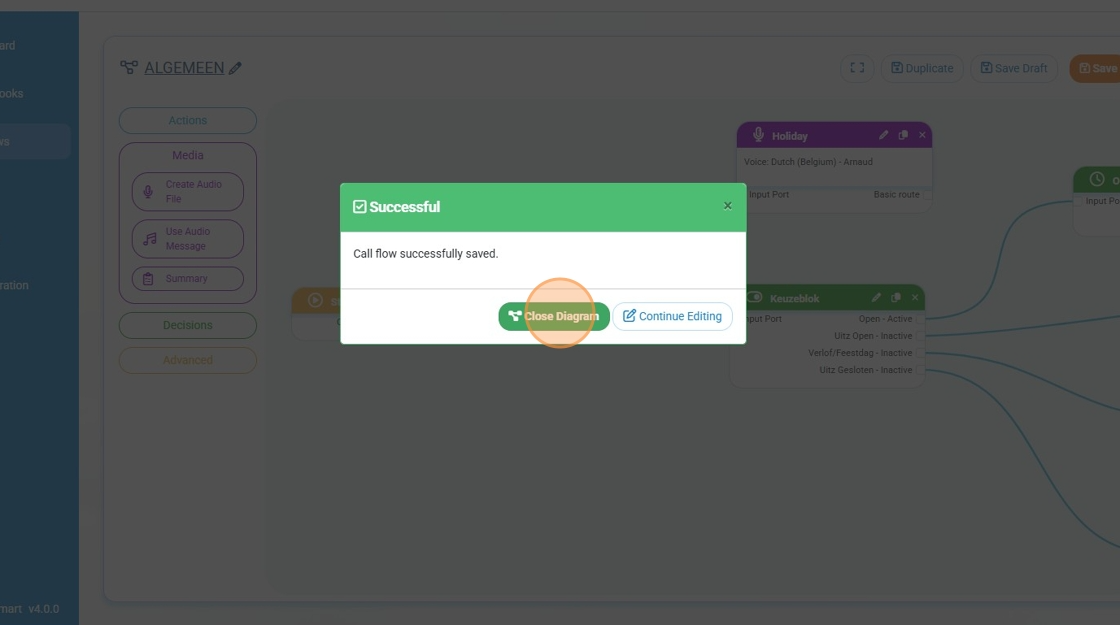
Congratulations, you have just added a calendar block to a callflow and connected an audio file to that block with an audio file the caller will hear when calling you on a holiday.