1. Go to https://portal.telsmart.eu & login
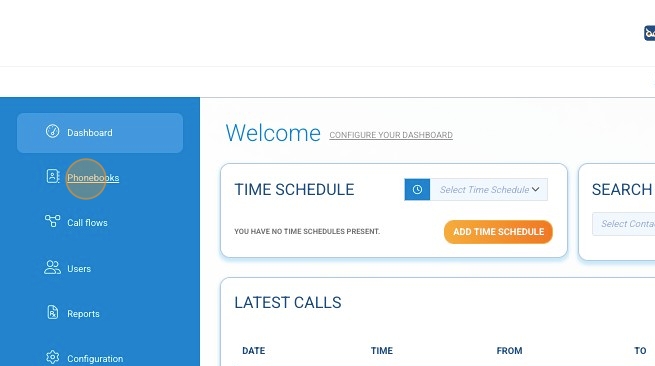
2. Click "Phonebooks"
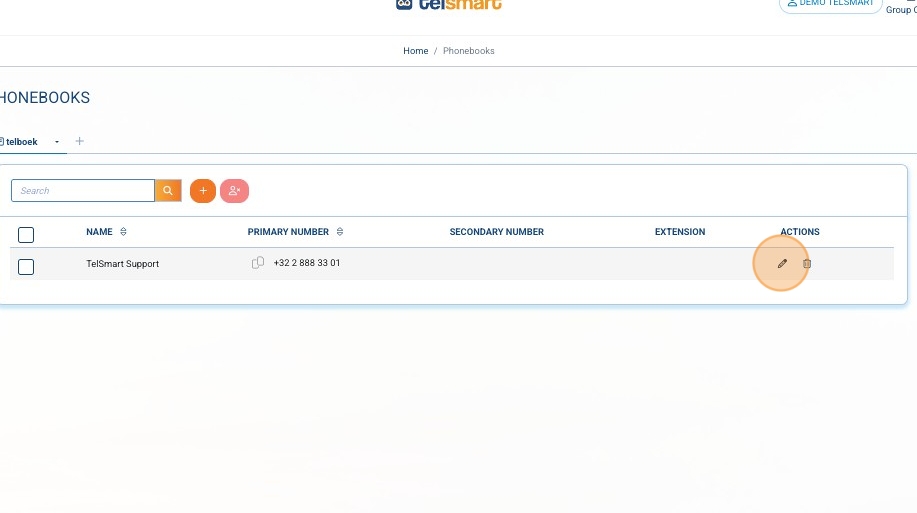
3. Click the pencil icon next to the phonenumber you would like to change
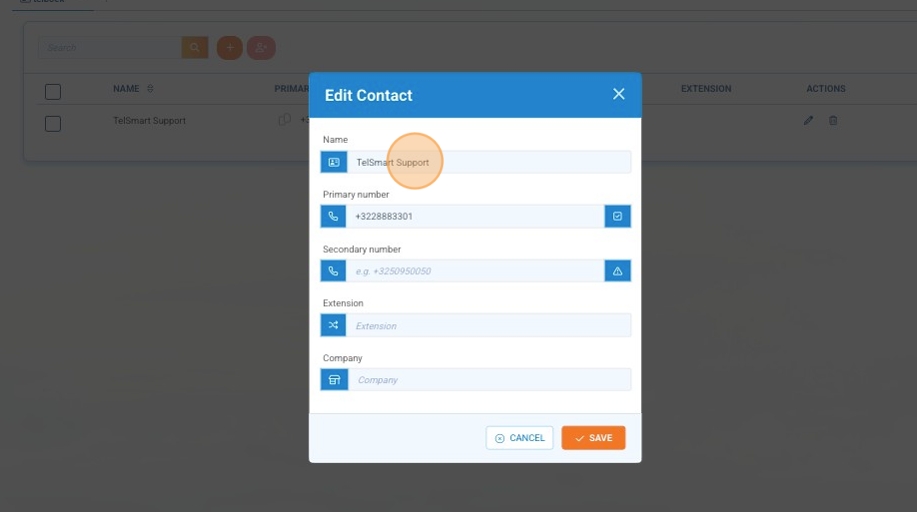
4. To change the name click the "Name" field and change the name
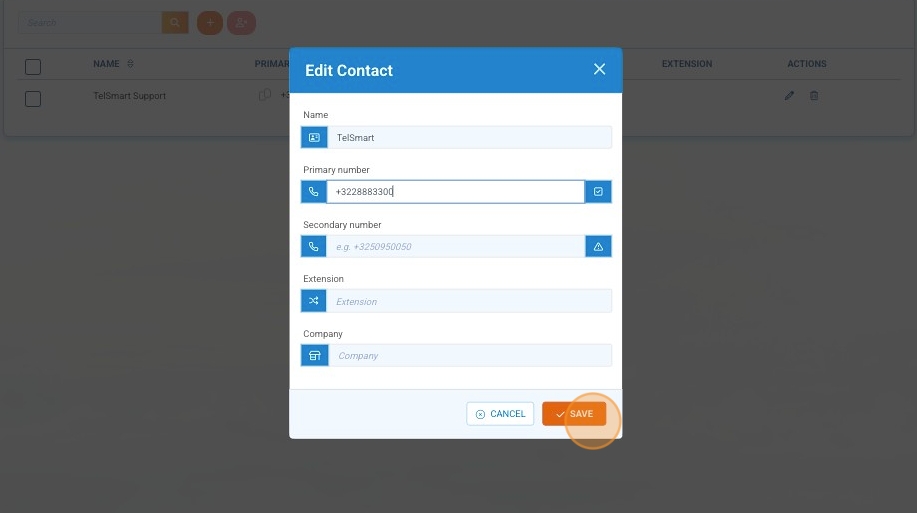
5. To change phonenumber click phonenumber and change
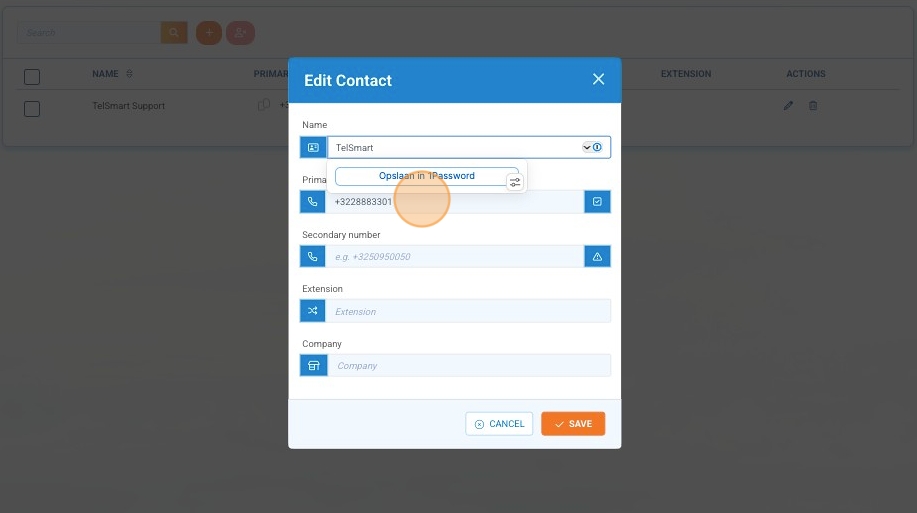
6. Click "Save"