

This article will give you more information on how to order the PORTIMA BRIO telephony module.
Requirements
- First of all, you need to log in via PORTIMA Connect.
- Once logged in to PORTIMA Connect you need to navigate to the MyPortima Platform.
My Portima Platform
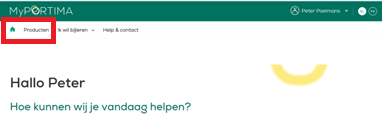
Go to the MyPortima platform and choose products, scroll to "Brio extra modules available".
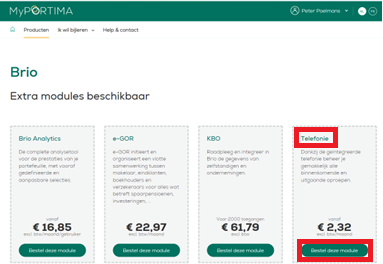
Click on the tile of the telephony module "Order this module".
A pop-up window will appear, complete the details of your office here and then check the order. Enter the name of your telephony supplier and, if already known, the installation date.
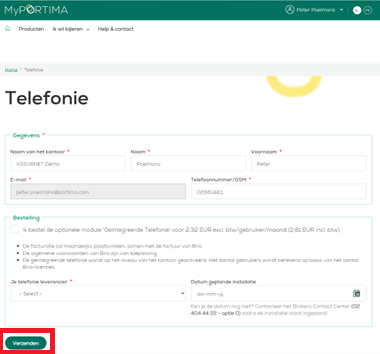
Finally, click submit.
Need help?
Portima Infoline infoline@portima.com
- optie 6
maandag vrijdag
08:30 - 12:30 uur
13:30 - 17:30 uur