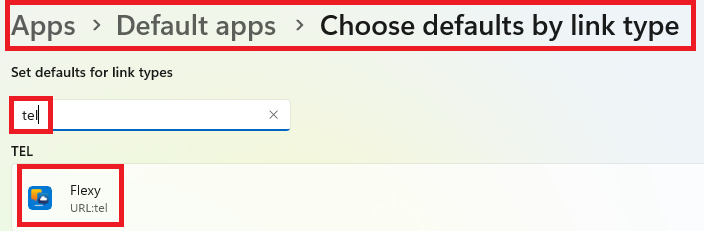

A few small steps still need to be taken in order to be able to effectively dial out with BRIO via our Desktop application. Below are the steps listed with handy images.
Configuration
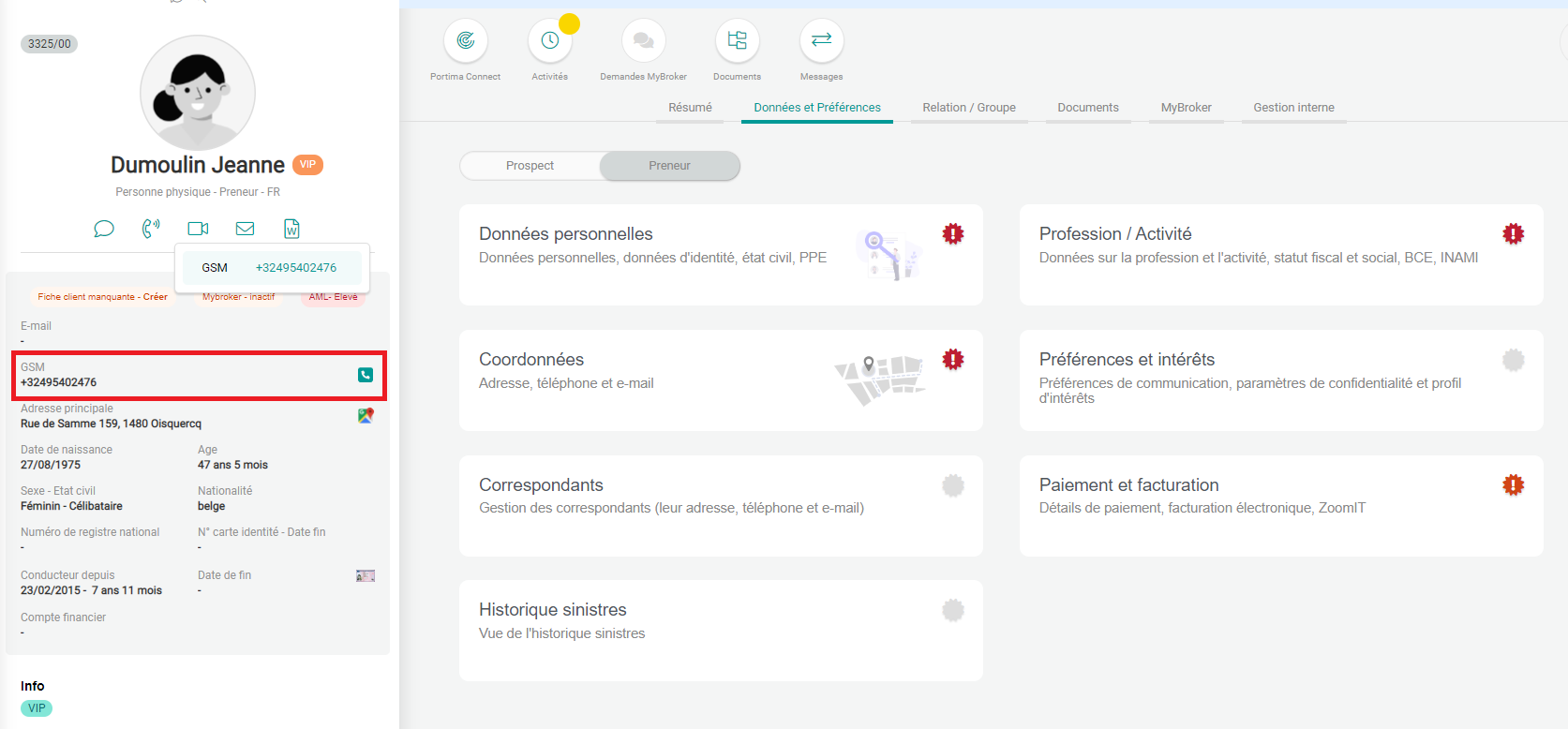
Step 1: Open a customer's customer file and click on the telephone handset next to their phone number.
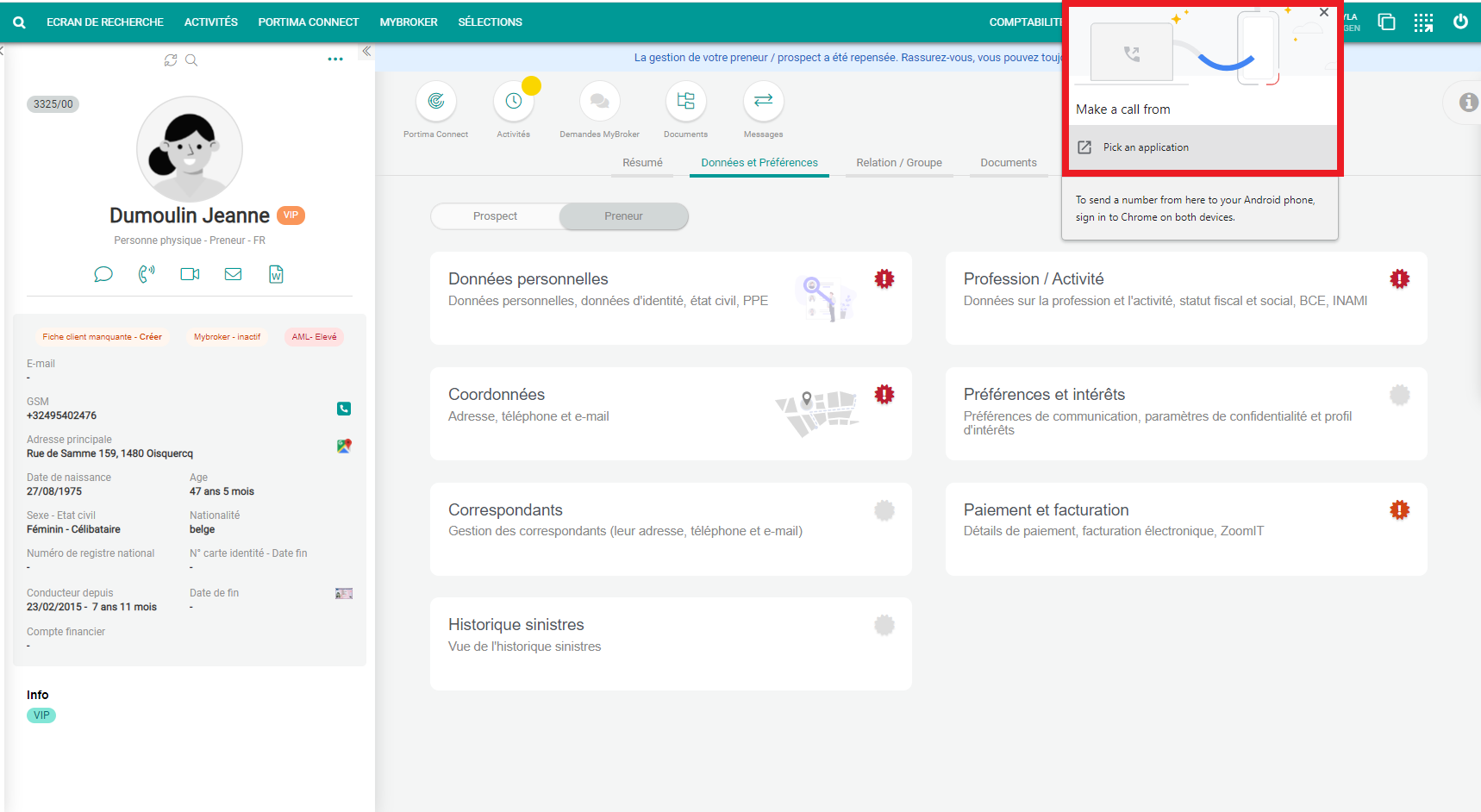
Step 2: This will again present a pop-up window where you then have to choose which application you wish to use to dial out.
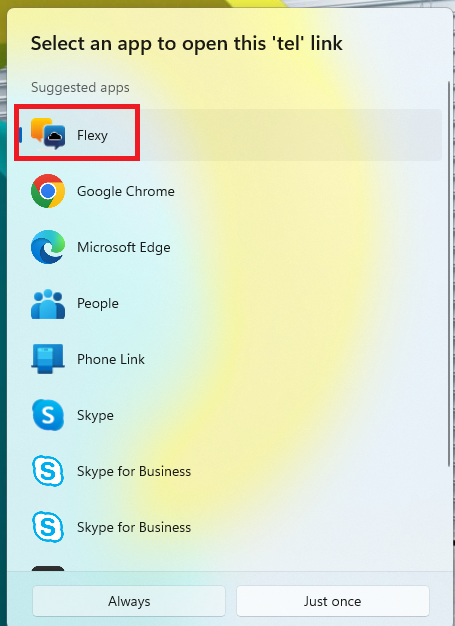
Step 3: Now choose the Flexy Application here, then our Flexy Desktop app will open and you will be able to make your call here.
Additional!