
From the base station
- Disconnect the power by removing the plug from the base
- Wait about 15 seconds
- While still unplugged, press and hold the 'Connect' button.
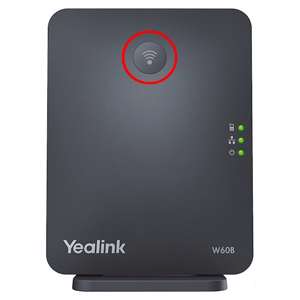
- With the button still pressed, plug it back in.
- Wait until the 3 lights on the base are solid green, then release the button.
- Wait about 5 minutes while the base performs its reset.
- Restart the base again by unplugging it for about 15 seconds and then plugging it back in.
After this reset procedure, the system will retrieve the data, this takes another +/- 5 minutes.
You can then pair the handset by taking the following actions:
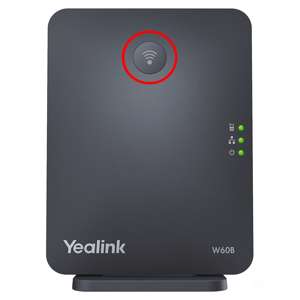
- Press the Connect button on the base until the top of the 3 lights starts flashing green.
- There should be a message on the handset similar to "Unregistered!".
Press the button at the bottom left of the screen labeled Reg.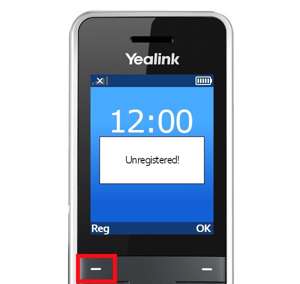
- The handset will now attempt to connect automatically.
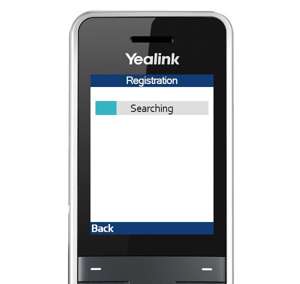
- If the handset is registered, the following message will appear:
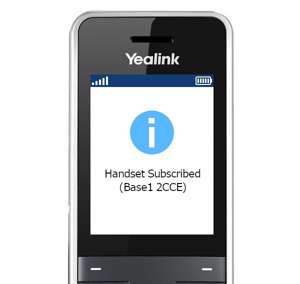
- after this your device should be ready for use.
Issues?
If you still encounter problems or have questions, you can always contact us